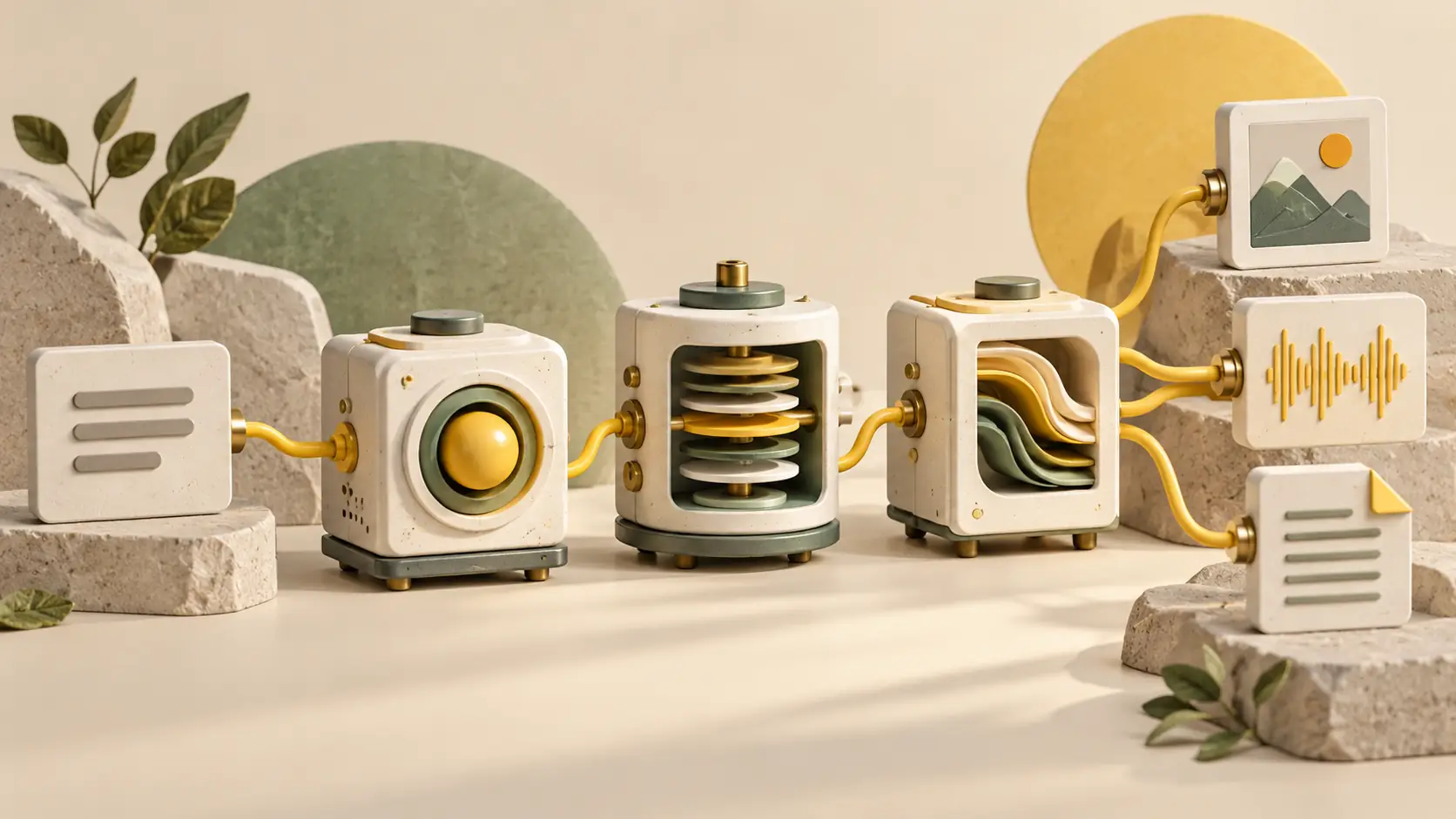
Yes AI is an online AI service for writing and analysing text, creating images and making videos. It brings together tools for different tasks. Use the website or the API provided for your own applications.
For social media, build a simple sequence: discuss an idea with a text assistant, draft the post, create an illustration and then try animating it. At each stage, choose a tool and provide the necessary materials. Explaining something to a client, changing a photo background and animating a picture are different requests with their own settings.
Text: from draft to analysis of the document
In ChatGPT you can write and edit text, translate a letter, or analyse a document or spreadsheet. The assistant also analyses images and searches the web. Clarify the task or ask for a revised answer in the conversation.
For a social media post, supply the facts straight away: what happened, who the post is for and which details are essential. For example: “Draft a short post about a bakery opening. The audience is local residents. Use the address and opening hours from the notes; do not invent anything.” After the first draft, you can revise the opening, shorten the text or remove sales language.
The platform also has Gemma, a separate text assistant for questions, translation, analysis and summarising. The finished post still needs editorial checking: names, figures, links and whether the text really expresses your idea.
Images: create a new one or edit an existing one
For visual tasks, the site features Midjourney, Flux, Nano Banana, GPT Images and other tools. Midjourney works with text queries and references: you can specify the general look of the picture, style or appearance of the character. This approach can be tried for the cover of an article or a series of illustrations when it is important to set the general mood.
GPT Images allows you to create images by description and references, change objects and details of the finished picture. There are two things to separate in the editing request: what needs to change and what needs to be saved. For example, to replace the environment of the object, preserving its shape and color.
Qwen Images’ public description also lists photo restoration and background removal. Image Upscaler is provided for enlarging existing images. Before starting, check the selected tool’s settings: reference-image counts, resolution and available actions may differ.
Video from description or image
Kling AI supports video generation from text and references, image animation and video extension. In Veo you can create video with sound. Check the selected model’s interface for duration, resolution and available modes.
For a first attempt, choose one simple scene: an existing illustration and a clear camera or object movement. This makes it easier to see which details survive and where distortions appear. Assess motion throughout the scene, not just the successful opening frame.
How to start and where to look at the cost
Public pages of models and instructions can be studied without logging in. An account will be required to send tasks and work with history. The general order is: choose a neural network, describe the task, attach supported files, check parameters and send a request. Actions with ready results depend on the tool.
The homepage offers a free ChatGPT text chat; image generation is charged separately. Other charges depend on the model and mode; current terms are listed in the price list. Before starting a larger project, try your intended task on a small example and check the cost.
When to use API
If generation becomes part of your bot, app or regular workflow, refer to the Yes AI API documentation. Requests require your own token. Parameters and result retrieval are documented separately for different models; the available web features and programmatic methods may differ.
Begin with one clear use case, such as drafting a post or creating its illustration. After checking the result, it will be easier to decide which tool to keep and which steps are still better handled yourself.
To work with content
If you are choosing tools for your posts, start with a specific piece of content. We covered text preparation in the article about posts with ChatGPT, and working with several formats in the guide to creating content with AI. For automation, there is a separate guide to AI APIs.