It is easy to mistake a successful Reel for a recipe: the same sound, similar captions, the same length. Yet copies often fail. In the original, a familiar situation and precise explanation held attention; the imitation kept only the shell.
Build Reels promotion as a series of small editorial experiments. Choose an audience question, show the answer, see where viewers lose interest and improve the next video. Below is a workflow from idea to analytics, without promises of a secret formula for recommendations.
First decide what the video needs to achieve
One video can introduce your topic, another show your approach, and a third address a specific concern. If every video is expected to deliver reach, followers and enquiries simultaneously, it becomes hard to judge whether it worked.
Write down the task before the script.
Suppose a workshop wants to explain why two similar-looking tables have different prices. The video has a clear purpose: show a construction difference and help viewers ask the right question when choosing. Demonstrating how the parts join does this better than general claims about quality and responsibility.
If the profile doesn’t yet explain what you’re doing, prepare it for new visitors first. In the article about Instagram promotion without artificial boosting we examine how a useful post can lead someone to follow. Reels brings a visitor to the profile but does not replace the content on that page.
Find a topic that can be shown
Start not with a trend, but with an observation. What do people constantly misunderstand? What difference is easier to see than to describe? What in your work seems simple from the outside, but requires a choice? Answers give topics that are related to your competence.
Choose one.
A good candidate is a small question with a visual answer: how does the sound change at different distances to the microphone, where space is lost in the layout, why in the photo one light source gives a different result. A very broad topic like “how to become a photographer” will have to be narrowed down to one understandable episode.
Study another creator’s video for its presentation, but film your own demonstration for your content. Do not pass their work off as yours or build an entire profile on reuploads. Meta describes support for original posts in the overview of recommendation development; this does not guarantee a particular result for an individual video.
Build a three-part script
Situation. The opening shot helps viewers recognise their own problem. Instead of “Here are three important tips”, show the subject and name the problem: “This lamp is bright, but the desk is still dark”. The promise must match what you actually explain.
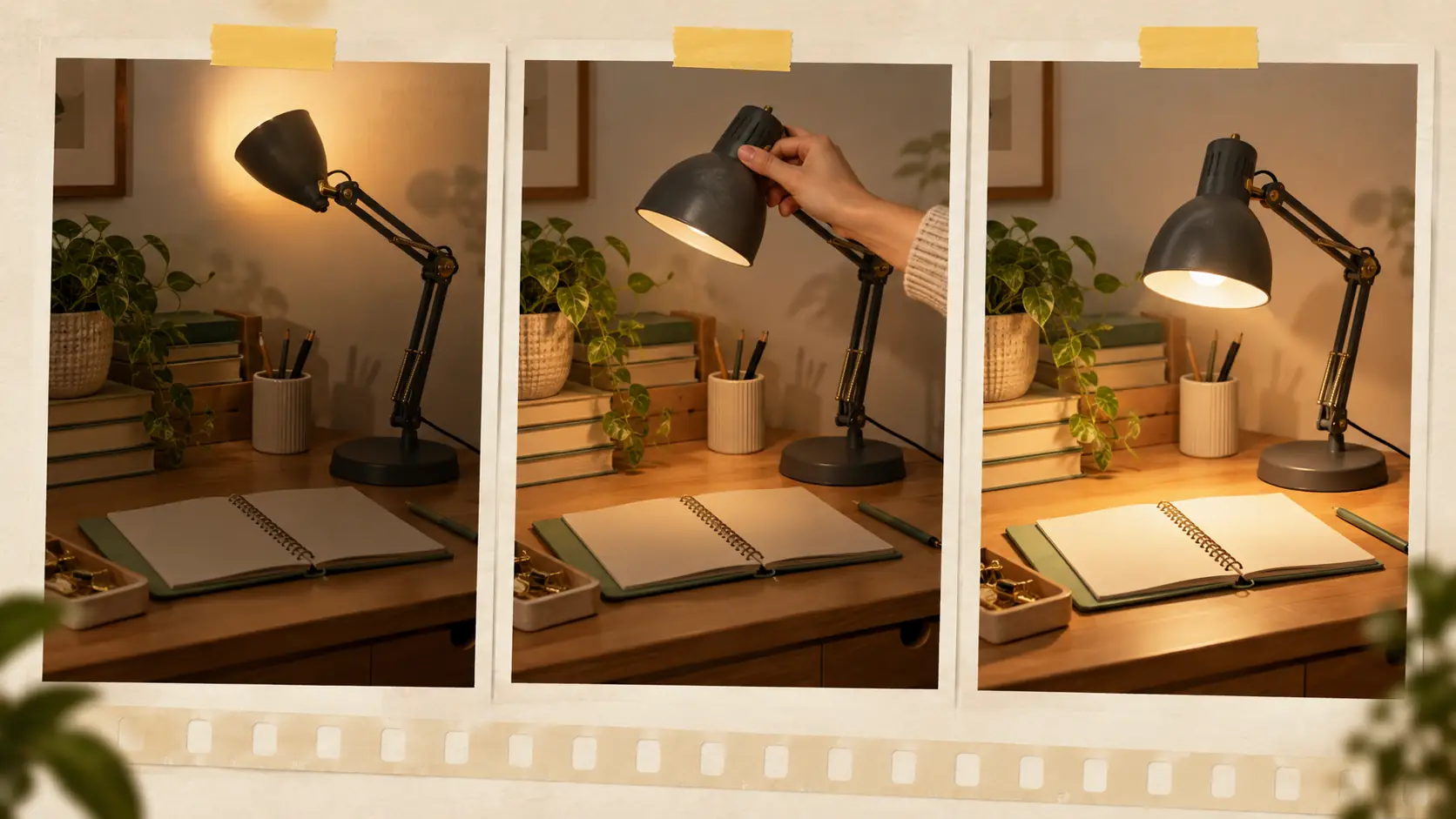
Demonstration. Show cause and effect: light direction, lamp position, comparison before and after. If you are talking about text or interface, enlarge the desired fragment. The viewer should not have to guess what to look at. Remove from the frame details that distract from the explanation.
Conclusion. State what viewers can do themselves: check the light direction before buying a new lamp. Add a limitation if needed, such as a different room layout requiring another solution. Do not drag out the ending by listing every way to contact you.
The explanation determines the length. Once the point is complete, there is no need to continue for an arbitrary standard. If the evidence needs another shot, do not sacrifice it merely to keep the running time short. There is no universal duration that serves every creator and topic equally well.
Check the sound, captions and frame on a regular phone
You do not need to buy equipment for the first round. Film beside a steady light source, clean the lens, secure the phone and record a short sound check. Intelligible speech matters more than a complicated transition between shots.
Music should not interfere with words.
Use a vertical composition and check the preview in the app. Keep important on-screen text away from edges where interface controls could cover it. Captions must be readable without pausing: short phrases, sufficient contrast and enough reading time. Check automatic subtitles manually, especially names, terms and numbers.
During editing, remove empty pauses but leave time to see the action. Rapid cuts do not automatically make an explanation more interesting. Watch the video silently, then listen without watching: this helps reveal where meaning gets lost. For example, Meta’s Edits app offers an editing timeline and export without an added watermark. You can also use your usual editor.
Example: how to shoot a clear video about the table lamp
Return to the lamp that shines brightly but does not help at the desk. One clear story is enough to explain this. In the first shot, viewers see a sheet of paper and the shadow of a writing hand. A voiceover asks: “Why is the paper hard to see even though the lamp is on?” Do not begin with your name or the story of buying the lamp: neither adds anything to the question yet.
In the next shot, show how the hand, paper and light source are positioned relative to one another. Move the lamp, then film the result from the same point. Keep the phone position and camera settings as consistent as possible; otherwise, viewers may mistake an exposure change for the effect of your advice. Clarify the demonstration conditions in the caption if they matter to the conclusion.
The final phrase continues, “See if your hand is blocking the light on the table.” It's doable.
Before recording, note in the script what the viewer should notice in each shot. This will be a short reminder:
- The shadow on the sheet: a recognizable problem.
- A wide shot of the lamp and hand position: the cause made visible.
- Changing the position of the lamp: the action itself.
- The same sheet after moving the lamp: the result under the explained conditions.
Show the draft to someone who did not see the shoot and ask them to explain what changed and why. If their account differs from yours, look for a missing step: perhaps the lamp was moved off camera or an important detail is too small. This check reveals ambiguity before publication; it cannot predict reach.
Prepare a description and clear next step
The cover and opening caption line should name the subject, not promise a sensation. “How to position a desk lamp” is more useful than “You have been doing everything wrong”. The caption can provide an awkward-to-say detail, list materials or clarify the example’s conditions. Do not repeat the whole script without a reason.
Keep hashtags relevant to the topic. A large collection of popular words will not rescue an unclear video. Caption, cover and video should all address the same subject. AI can help draft script variants; its capabilities are explained in our Yes AI review. The facts, examples and final wording still need checking.
Finish with an action that naturally follows from watching: save the diagram, view a related explanation on your profile or compare the example with the viewer’s situation. Do not ask for a meaningless symbol in the comments merely to create the appearance of activity. A substantive question about the example is more useful than a generic request to “engage”.
Test the idea, not everything at once
If Trial Reels is available in your account, use it to reach a new audience. In the official feature description Meta explains that a trial reel is initially shown to people who do not follow you. Check availability and settings in your own app; this mode does not promise a particular view count.
For the next video, choose one hypothesis. For example, start immediately with the result instead of a long explanation of the conditions. Keep a close topic and a similar task. If you simultaneously change the subject, pitch, duration and audience, it will be difficult to understand what exactly influenced the result.
Organic posts do not provide a controlled laboratory comparison: different people see the videos under different circumstances. One success is therefore a reason to repeat the approach on another suitable topic, not declare the formula mandatory for everyone.
Read the statistics as a clue for the next shoot
Start with the available watch-time metrics. In the Reels Insights explanation Meta distinguishes total watch time from average watch time; the total includes replays. Views therefore cannot automatically be equated with the number of people. Also check audience reach.
Compare videos with similar lengths and purposes. If a retention chart is available, check where viewers leave. An early drop suggests reviewing the opening shot and clarity of the topic. A middle drop suggests revisiting the explanation and overlong sections. These are editing hypotheses, not a precise diagnosis from one curve.
Compare shares, saves, profile visits and new follows with the original objective. Tens of thousands of random views are not necessarily more valuable than a small number from people who need your subject. Save a brief conclusion: what to retain in the next video and what to change.
One specific note is enough: “Show the shadow on the paper immediately; use a closer shot when moving the lamp.” That is easier to act on at the next shoot than a general promise to make the content more interesting. Gradually, these observations form a working format of your own.