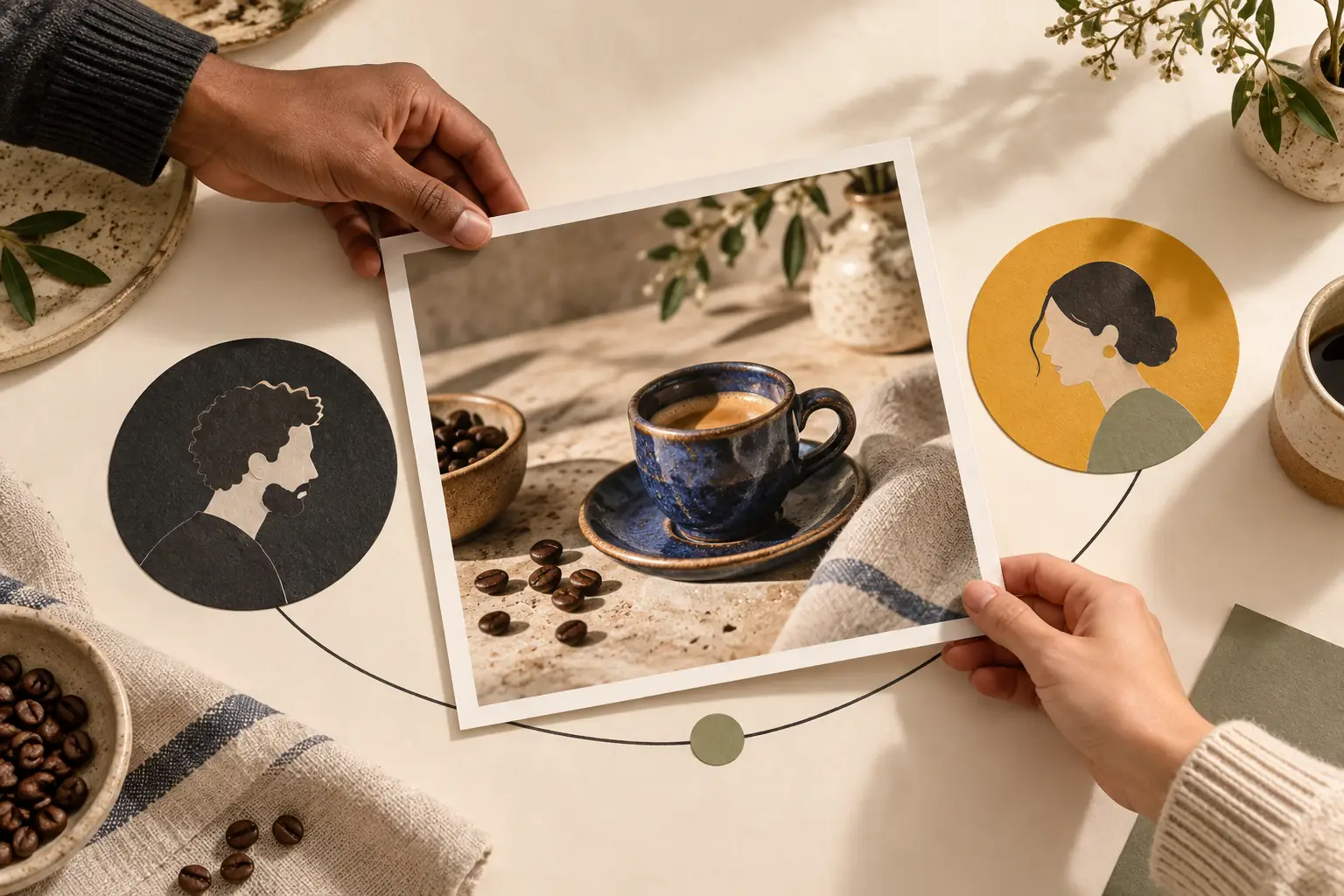
A ceramics studio and a coffee shop have created a joint project: a cup that can be seen in use by a barista. A joint Instagram post suits this kind of content. Readers will see the project's participants alongside a single post, and the teams will not have to publish two almost identical stories.
Collab establishes co-authorship, but does not decide who approves the copy, fixes an error or keeps the original files. Settle those questions before sending an invitation.
What a collaborator gets and how Collab differs from a tag
Meta's overview of Collabs includes feed posts, carousels and Reels. Once the invitation is accepted, the content appears on the collaborator's profile and is distributed to their audience. This is a mechanism for shared placement, not a promise that every follower will see the post or that follower numbers will grow.
Simply mentioning an account in the caption does not create co-authorship. For a Collab, the partner must accept a separate invitation; both accounts are then shown at the top of the post. You can mention people in Stories, but you cannot add collaborators this way.
Agree on the shared content first
Choose a topic where you can explain the partner's contribution. In the ceramics studio and coffee shop example, one participant explains the cup's shape, while the other shows how it is used to serve coffee. If the second account contributes only a logo on the last slide, clarify the idea first: what does that participant actually add for the reader?
Assemble an agreed draft outside the app: images in the correct order, the caption, participant names, project terms and the final cover image. For each disputed claim, it should be clear who can verify it. The studio checks the information about the ceramics, and the coffee shop checks the description of how the coffee is served. This keeps feedback from getting lost in the shared conversation.
Assign responsibilities:
- The original author publishes the post and is responsible for actions affecting it in their account.
- The partner checks the finished content and accepts the invitation from the correct profile.
- The designated participant gathers corrections and passes them to the original author.
- Both parties keep the approved files and agree on who will answer questions about each part of the project.
Agree separately on the publication time and a window when your partner can check the invitation. Do not base a joint announcement on the assumption that the other person will open Instagram immediately. If they are busy, decide in advance whether a delay in the joint placement is acceptable.
For a carousel, prepare photo descriptions using our guide to alt text. If the shared content works better in motion, first put together a clear demonstration using our guide to preparing Reels, then add the collaboration.
How to invite a partner and accept an invitation
The official Instagram instructions for Android give the following steps for creating a post:
- Before publishing, open “Tag people”.
- Choose “Invite collaborator”, find the right account and check the username.
- Tap “Done”, finish preparing the post and publish it.
The invited user receives a message. They need to open the relevant conversation, tap the invitation, choose “Review”, then “Accept”. For a different device, select the relevant instructions in Help: do not assume the Android layout applies to every app version.
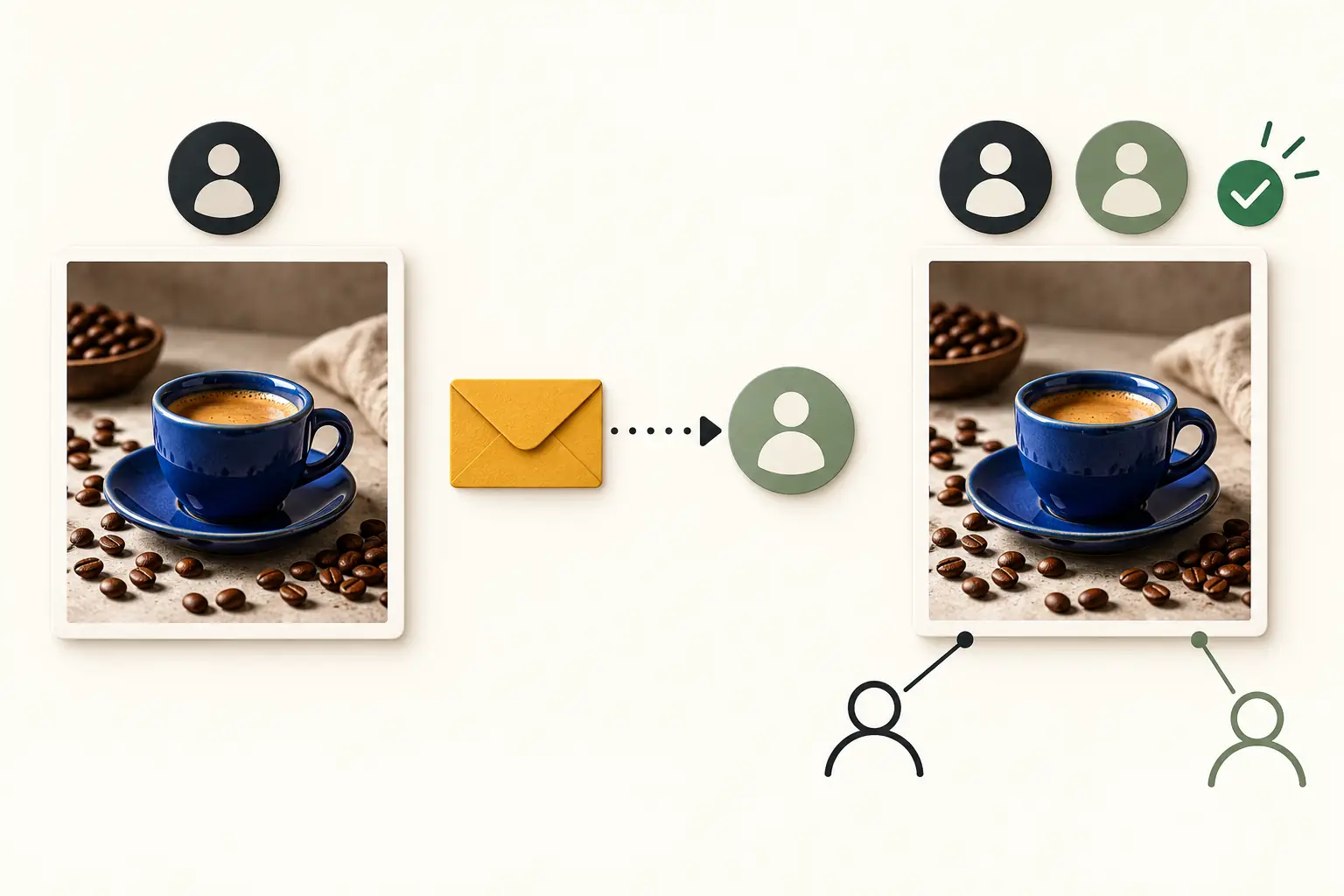
Confirm acceptance by checking the result: both names appear above the content, and the post is visible on the partner's profile. Also check the caption, the order of the images and that you invited the intended work account. Approving a file in a messaging app and accepting a Collab are separate actions.
Who controls the post after publication
Collaboration does not give the participants identical rights. Instagram's help page on joint posts states that the post belongs to the original author. If they delete it, it also disappears from the collaborator's profile. Deactivating their account hides the content from both profiles; it reappears when the account is reactivated.
The original author can remove a collaborator, and the partner can leave the collaboration. When collaboration ends this way, the post itself remains with the original author. Blocking by either participant also ends the collaboration.
For a long-term project, therefore, decide in advance whose account should hold the original. Discuss what to do when the partnership ends: keep the post, update the information or remove the collaboration. If an inaccuracy is found after publication, formulate a specific correction and pass it to the person who published the original content.
Privacy and checks if the post has not appeared
A private account can use Collab, but the conditions differ. According to Instagram's instructions, it can invite its followers; if a public account accepts the invitation, anyone can access the post through that collaborator's profile. If the original author later makes their account private, only their followers will be able to see the content. Check these consequences before sending an invitation.
If your partner cannot see the joint post, first establish whether the invitation was accepted. Check the selected account, the invitation message and the privacy settings. Make sure you have not simply added a tag instead of sending an invitation. If the action you need is missing, open the help page for your device; do not build an urgent campaign around a feature you have yet to locate in both accounts.
How to evaluate the collaboration
Return to the project's purpose. For the ceramics studio, useful responses include questions about the cup and interest in how it is made; for the coffee shop, questions about the serving presentation and the venue itself. Save meaningful responses and agree on who will answer them. Assess the available insights against that purpose, rather than judging a partner's contribution by a single total view count.
A plan for growing an Instagram account without fake engagement can be complemented with shared content. After the first publication, note what got in the way: late approval, an unclear contribution from one participant or a forgotten invitation. Prepare the next Collab with that specific issue in mind.